
- This page, Live Training: Accessible HTML Forms, is offered by
- Accessibility Center for Consulting, Education and Support Services
Live Training: Accessible HTML Forms
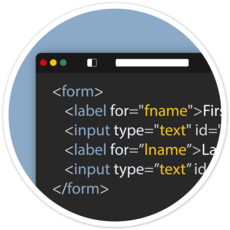
Overview
Are you a designer, developer or tester that works with custom web based HTML forms? This accessible form training features a sample form using HTML, CSS, and Vanilla JavaScript coding best-practices demonstrating how to build accessible inline form validation. We will cover keyboard-only, browser zoom 400%, mobile device emulators, text resize 200%, Windows high contrast theme, and NVDA screen reader testing.
Attendees will experience a live demo reviewing a sample form and its HTML, CSS, and JavaScript code focusing on accessible validation best practices.
In this session you'll learn how to:
- Designing and developing accessible forms
- Accessible Form CodePen example
- Form landmark accessible name
- Form instructions
- Multi-page forms
- Multi-lingual forms
- Grouping multiple fields
- Visible input field labels
- Semantic form field structure
- Dropdown select elements
- Styling checkboxes and radio buttons
- Helper text used for formatting instructions
- Error prevention
- Error messages
- Developing your form validation
- CSS styles, reflow, and resize text
- Testing your form
You will need
Note: To register, you will need a free, basic Zoom account associated with your State, Municipality or School email address. If you do not already have one, sign up for a free Zoom account.
If you will need American Sign Language (ASL) interpretation, or live, human-typed captioning (CART), email eotss-access@mass.gov, and please allow two weeks for us to schedule needed personnel.