
When utilizing our online directory you can search by any variable available
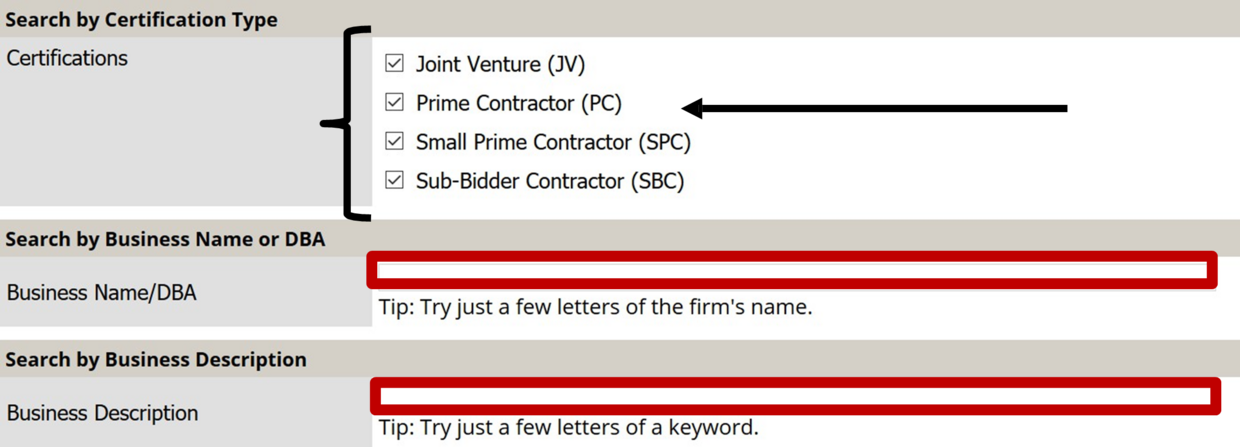
- You can search by Certification Type Just check the box
- You can search by company name or Business Description
If you are looking for a specific category of work, you can list it in the Business Description box

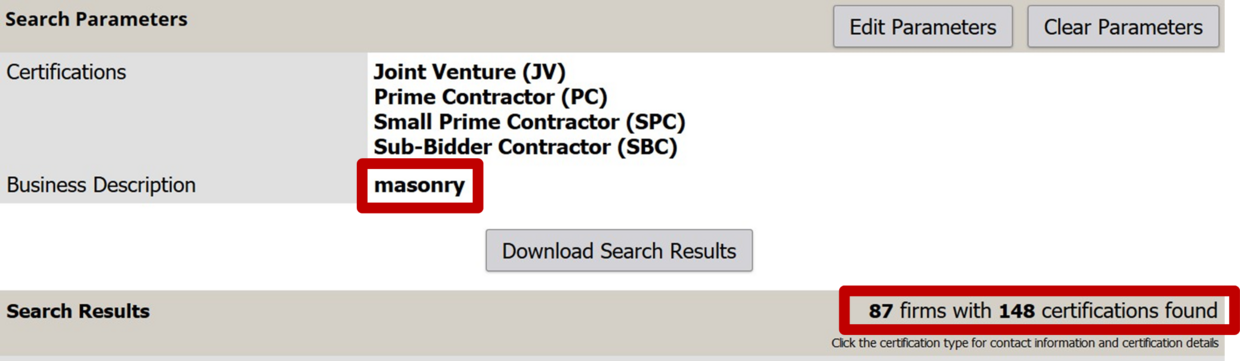
Category of work results
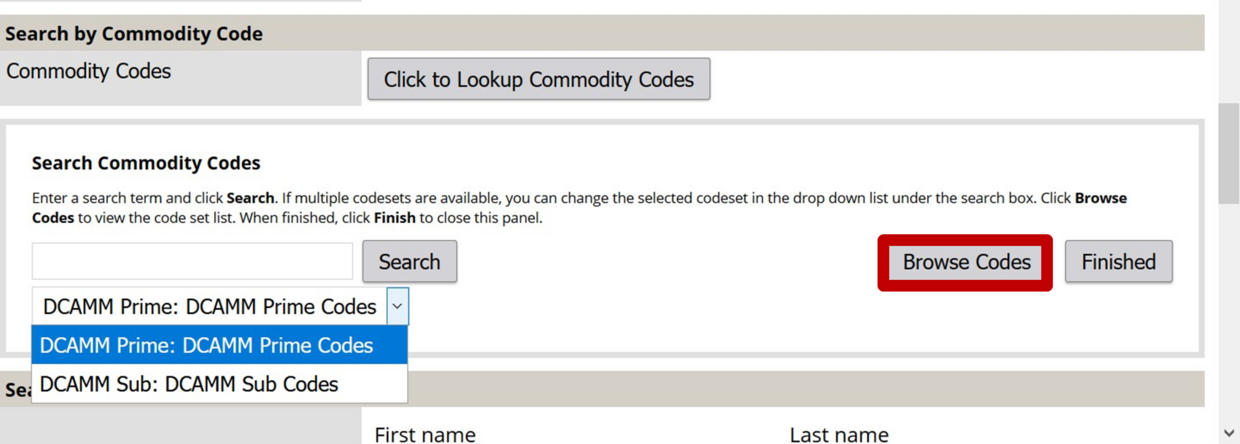
You can search by the category of work. Select either Prime or Sub codes then Press Browse Codes to select the categories of interest
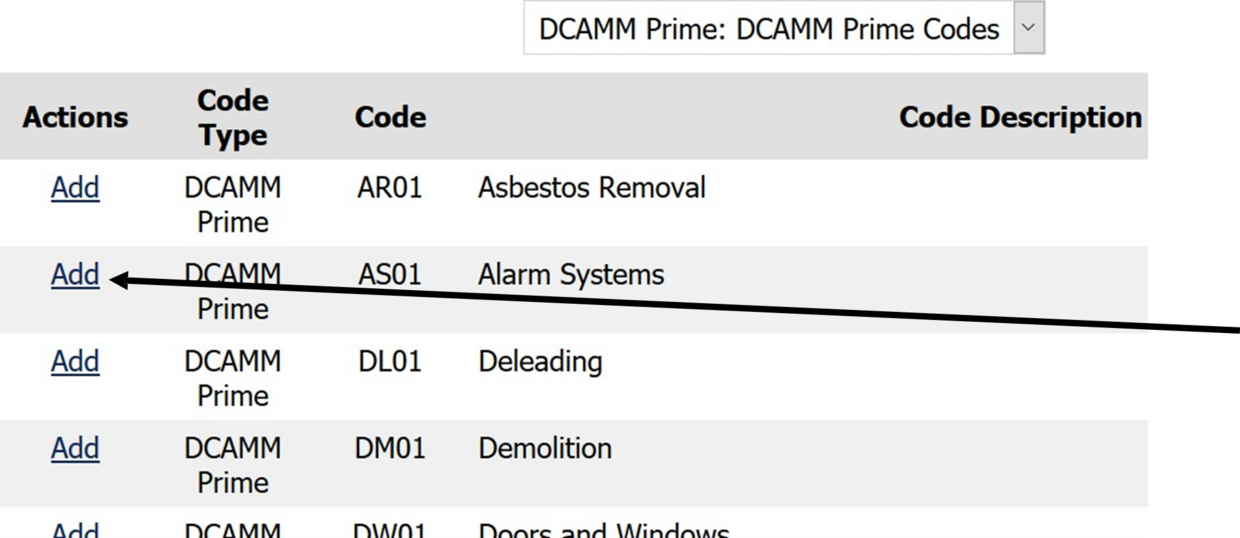
- Find the Category of work you are looking for
- Under Actions click Add
- This will add the category to your search criteria
You can search by location: City, State, zip code or phone area code
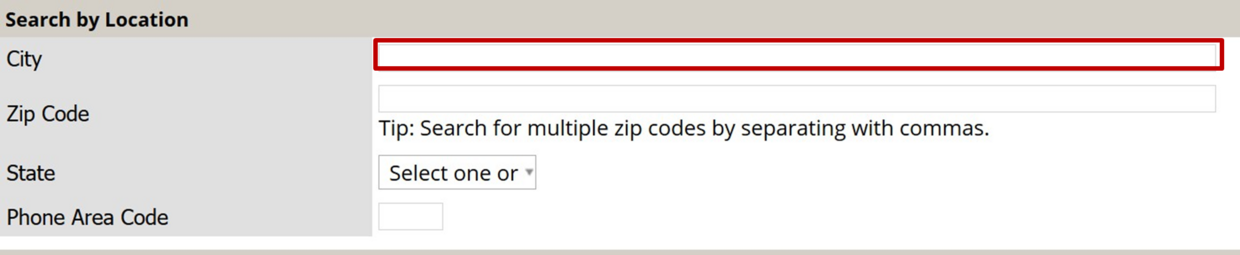
(In this example we will search for companies in Springfield)
Search results for businesses in Springfield
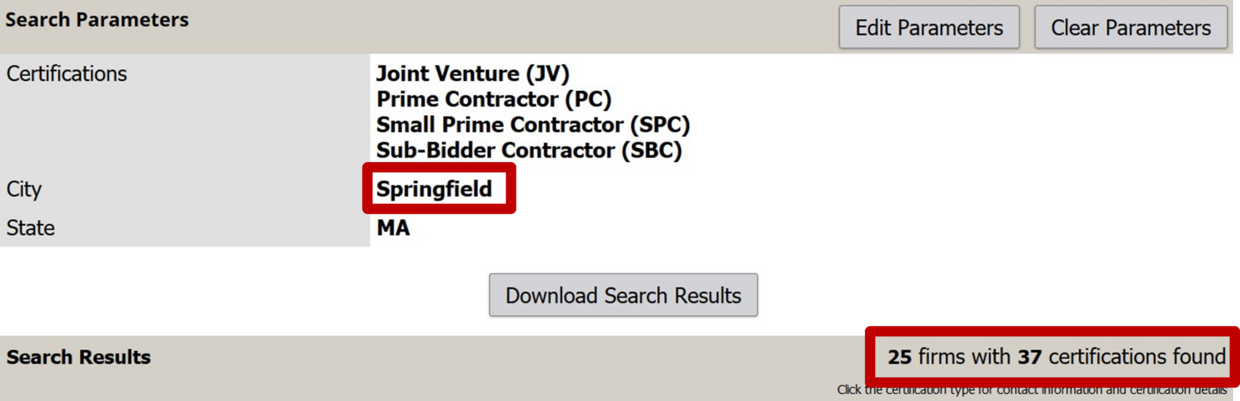
The 25 companies resulting in this search will appear here
You can search using any of these fields
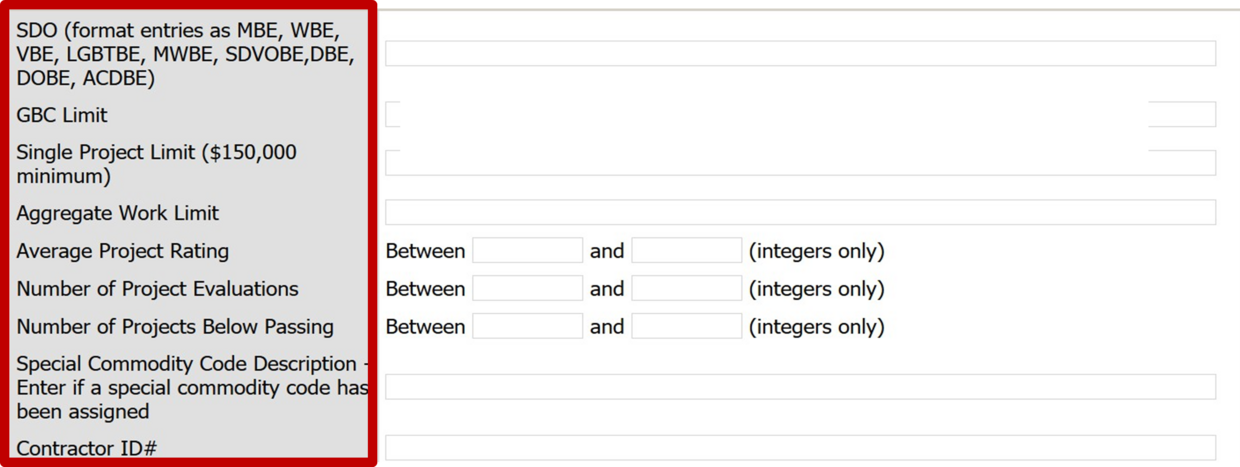
Example of search for a company with the MBE designation
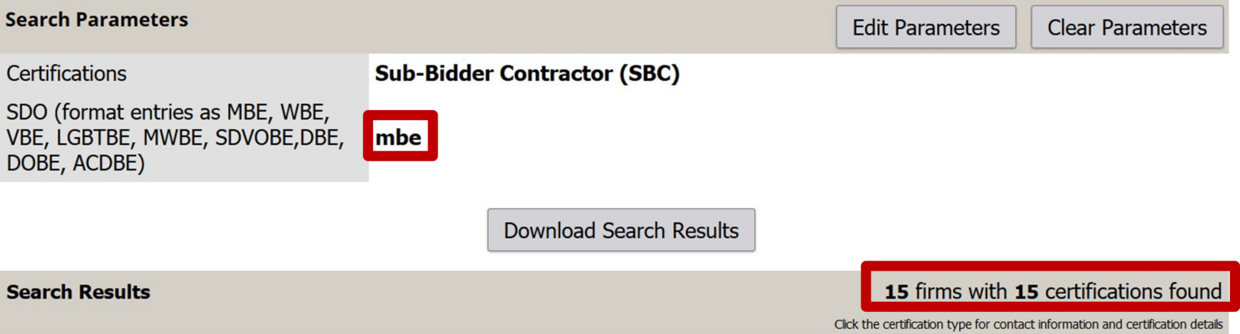
15 Certified companies were found that met our criteria
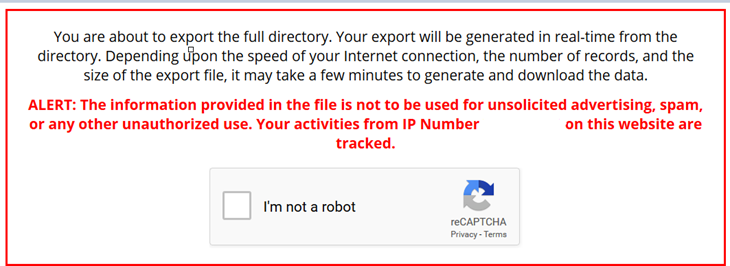
If you download the entire directory, keep in mind, it is just a snapshot in time and will not be updated as other certifications continue to be processed.

You will have to state that you are not a robot and enter a given code exactly as it appears then you will be able to download an Excel format or a CSV format.
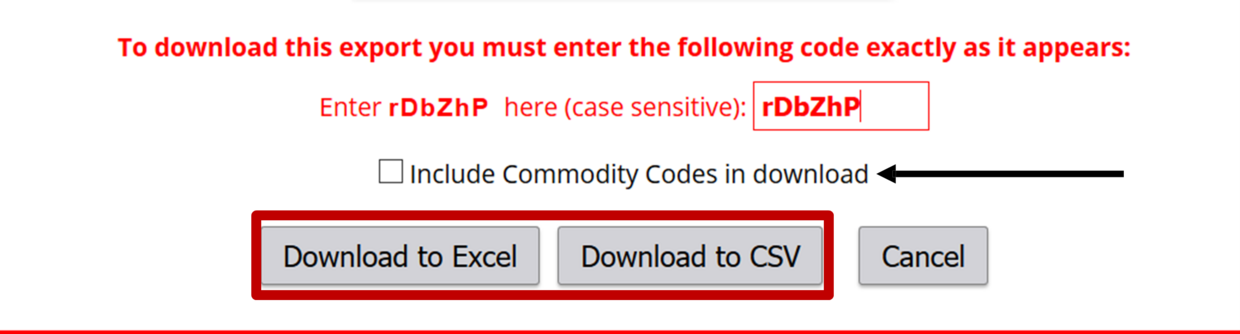
This is useful to check the commodity code check box because the business’ category of work will be included. You can download a spreadsheet in either an excel or CSV format.
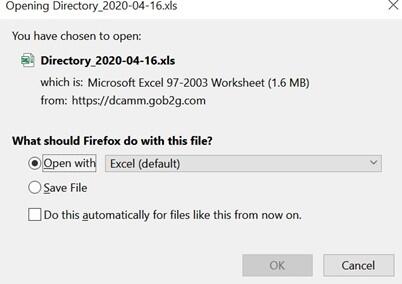
Once you have opened the excel spreadsheet you will be able to sort and filter the information as you would any excel document.