
Granting another user Access to the application you started
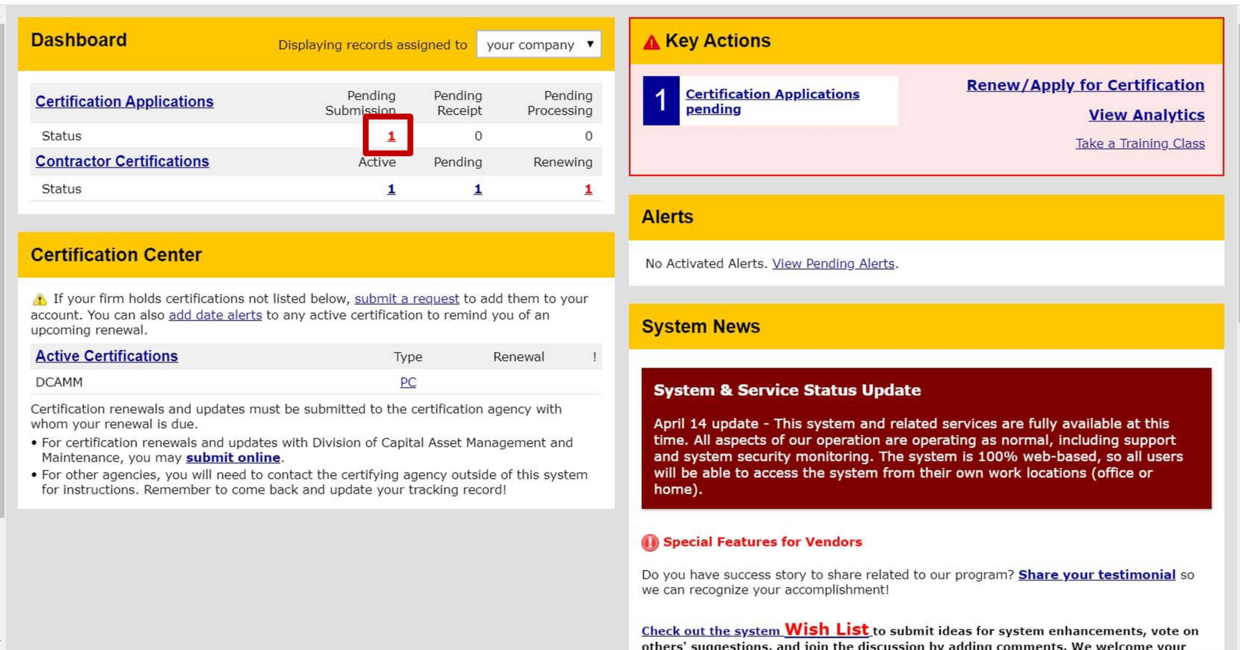
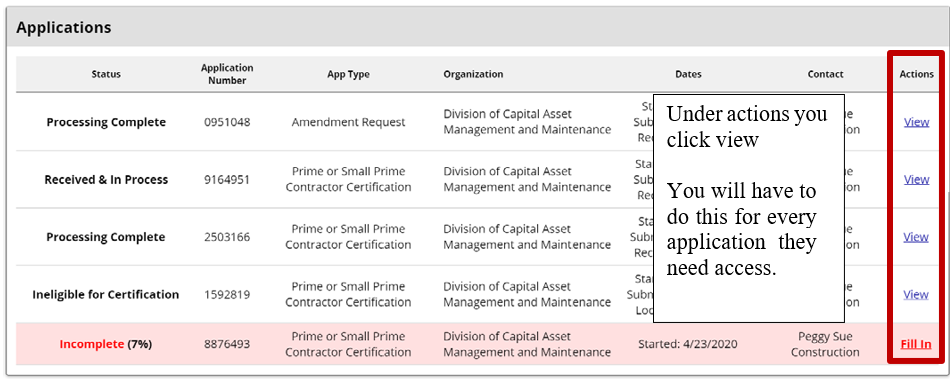

Once you are in the application you will see the Utilities tab. Click it
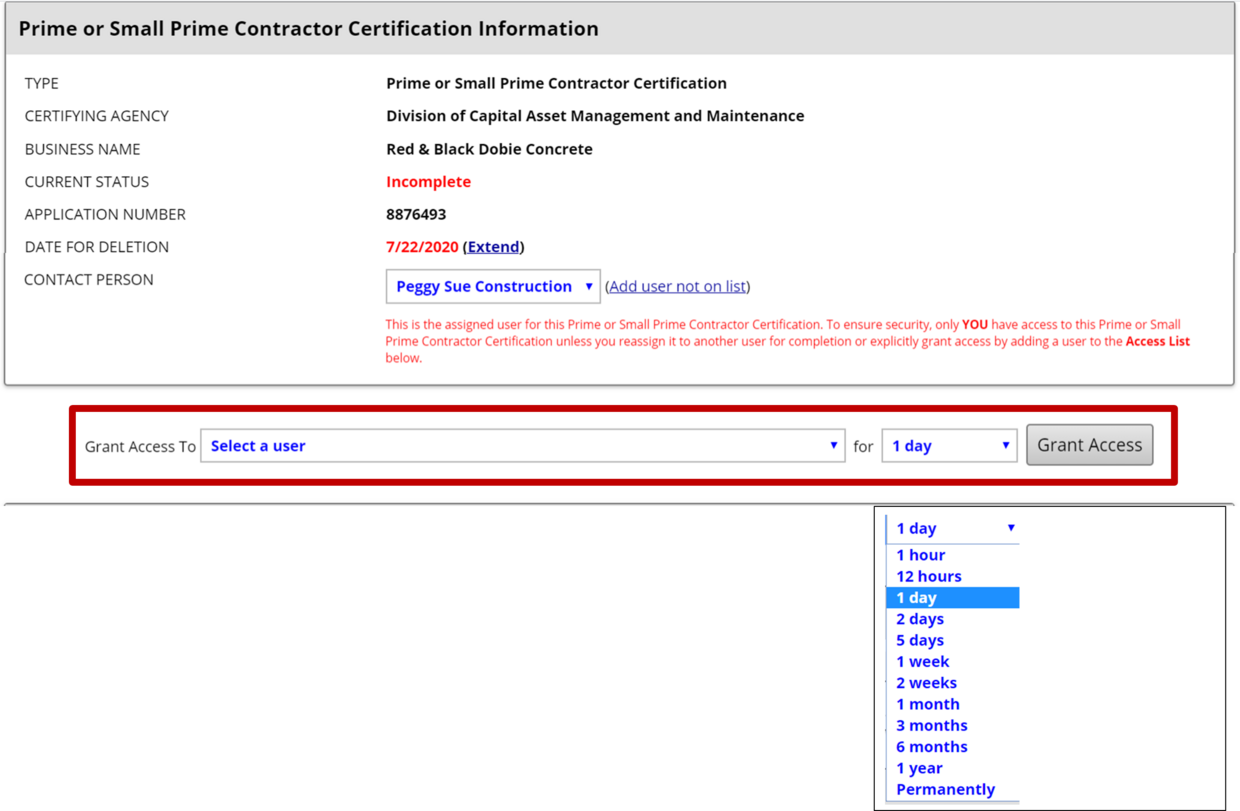
Select the down arrow to select the user
Then select the amount of time you want them to be able to access the application from the drop down menu.

Once you have selected the user and the amount of time Press Grant Access
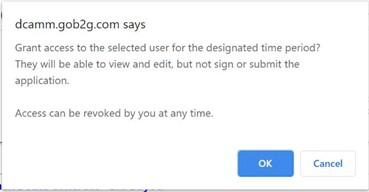
This dialogue box will open to make sure you really want to grant the user access.
Your user now has access to that one application
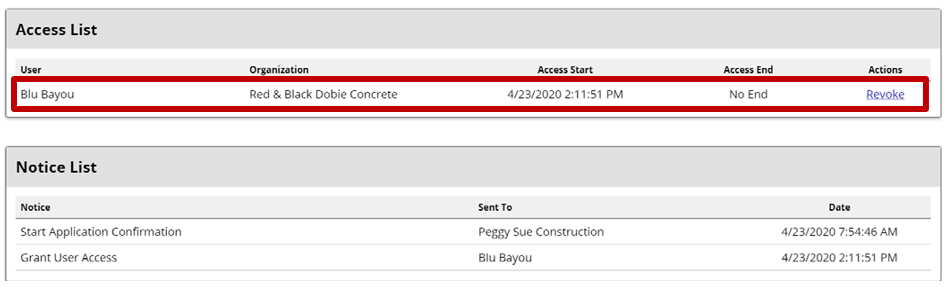
It will also let you know you can revoke that access at any time.


How to tell when you have removed access to your application.