
What we did / the experiment
Building on our partnership with the Massachusetts Library System (MLS) and the MBTA from the Browse, Borrow, Board prototype, we explored the value of real-time transit screens in libraries. Working with the MBTA Technology Innovation Department (TID), we created a simple process so a library could request a URL that would display real-time transit arrival information for the MBTA services that serve their location.
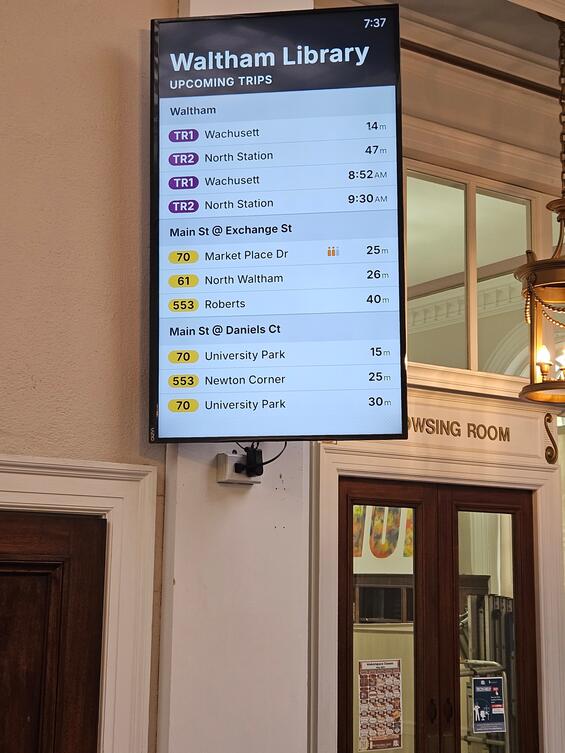
The real-time transit screen at the Waltham Public Library shows upcoming Commuter Rail and bus arrivals, as well as crowding information for certain bus routes.
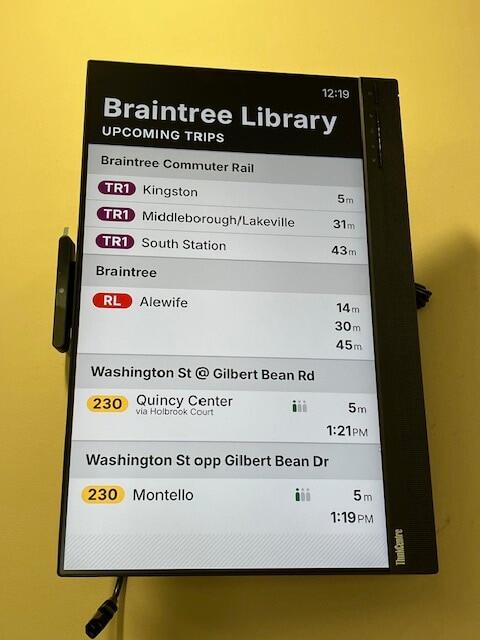
The Thayer (Braintree) Public Library real-time transit screen shows upcoming Commuter Rail arrival times and track information; upcoming Red Line arrivals; and upcoming bus arrivals with crowding information.
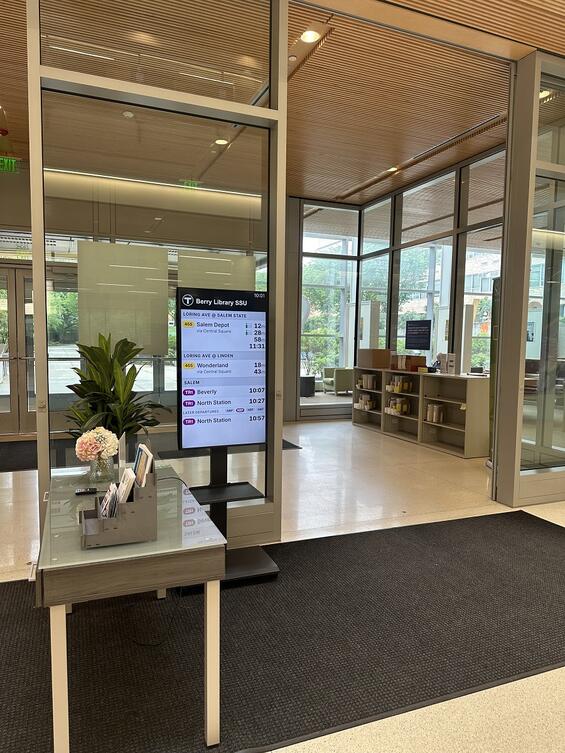
The Berry Library (Salem State University) real-time transit screen shows patrons bus service and Commuter Rail service, conveniently located near the exit doors.
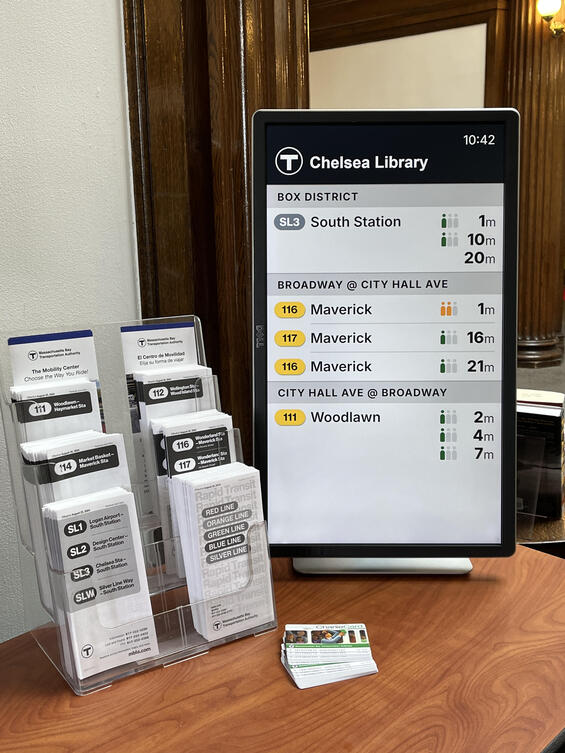
The real-time transit screen at Chelsea Public Library sits on a table next to free Charlie Cards and bus schedules.
The Lab coordinated outreach through MLS to the 107 libraries in the MBTA’s service area. Now that the prototype has scaled, interested libraries can directly request a URL with customized real-time transit information for their building(s).
Why we did it
Real-time information makes transit more accessible, and the MBTA has a long-term goal of making such information more widely available to its riders. In service of that objective, TID has developed software that powers real-time information not only on MBTA signage, but on screens that any 3rd party—a store, a restaurant, a residential building—might install themselves. By virtue of their role, location, and existing digital screens, we thought that public libraries might be a perfect partnership opportunity for this initiative.
What we learned
Through conversations with library staff and on-site observations, we noticed:
- The screens are useful for both patrons and staff. Patrons use them to plan when to leave the library in order to catch the bus or the train. Some patrons visiting with children use the screens as a teaching tool, to talk about time and transportation. Staff use them for their own trip-planning or, in the case of Robbins Public Library, to know when to expect the arrival of large groups of students when the middle school up the street lets out based on crowding data on the next arriving 77 bus.
- The best implementations are those where transit information is the only thing displayed on the screen, and where there is complementary transit information located nearby. For example, Chelsea Public Library has their dedicated screen set up on a table with free Charlie Cards and paper transit schedules.
- Library staff appreciated the simplicity, quick turnaround, and zero-cost nature of the offer. As a staff member from Randolph Public Library said, “Free and easy to use are usually the magic words.” Staff at Brookline Library shared that the service created a cost-savings that they were able to reinvest to serve patrons (instead of paying for their existing real-time transit information service).
The program has now scaled. Interested libraries can directly contact the MBTA through their Digital Display Partnership Program to request a URL with custom real-time transit information for their location(s).
Who was involved in the prototype
- Berry Library at Salem State University
- Bloomberg (Medford) Public Library
- Brookline Public Library
- Boston University Theology Library
- Henry Whittemore (Framingham State University) Library
- Chelsea Public Library
- MBTA Technology Innovation Department
- Robbins (Arlington) Public Library
- Thayer (Braintree) Public Library
- Tufts (Weymouth) Public Library
- Turner Free (Randolph) Public Library
- Waltham Public Library