

What's available in Figma
Mass Digital manages a shared Executive Office of Technology Services & Security (EOTSS) Figma Enterprise account. The account supports design collaboration across agencies.
The design system libraries have many useful resources no matter where you are in your project. The icons, styles, and templates give you a shared foundation to build from. These help teams avoid duplicating work, keep a consistent look, and focus on user needs.
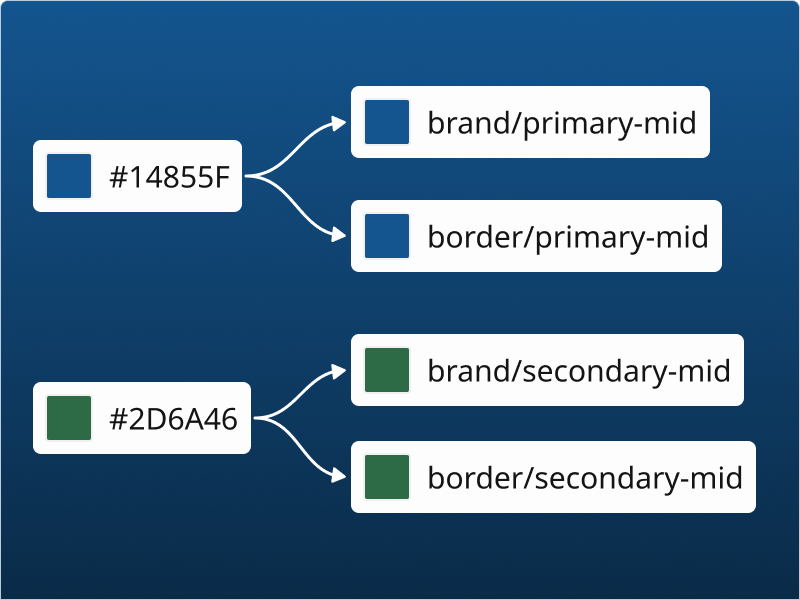
Design tokens
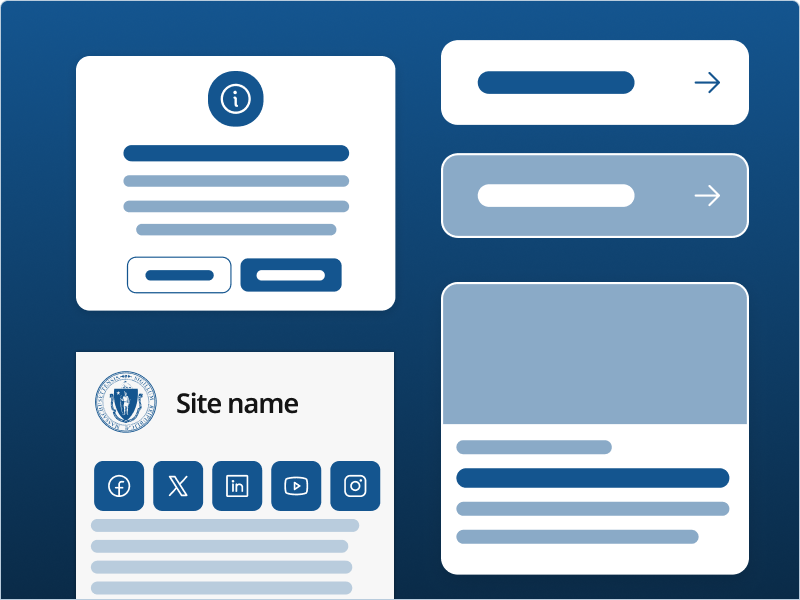
Components
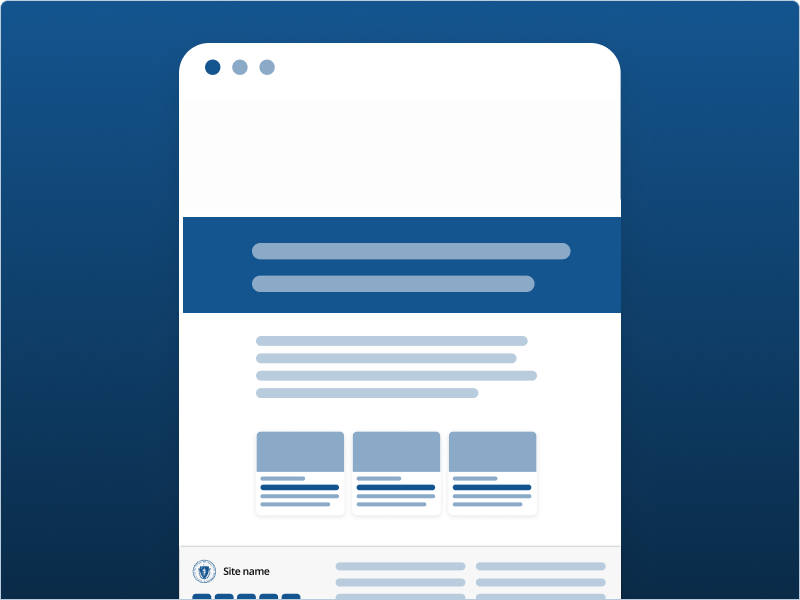
Patterns
Getting started with a full seat in Figma
-
Join an information session
Join an info session to learn more about the Massachusetts Design System resources.
-
Coordinate with finance
Figma is a subscription-based service. The cost of Figma seats for your project must be covered by the state organization overseeing it.
-
Request access
The state organization project lead must submit a Figma access request form. You will need to include the relevant finance information for the subscription chargeback.
-
Schedule your onboarding session
All designers joining Figma with a full seat must attend an onboarding session with the design system team. After the Business Application Request (BAR) is approved, a member of the design system team will reach out to you for scheduling. All project team members are welcome to join!
During this session we will:
- Invite your team to the correct Figma workspaces
- Provide an overview of the available resources
- Cover the best ways to use the shared assets in Figma, particularly if you are new to the tool
- Invite you to join the Design System Community of Practice
- Answer any questions that you may have!